
Meet Knowhere
Your PostgreSQL workspace, at home on Mac.
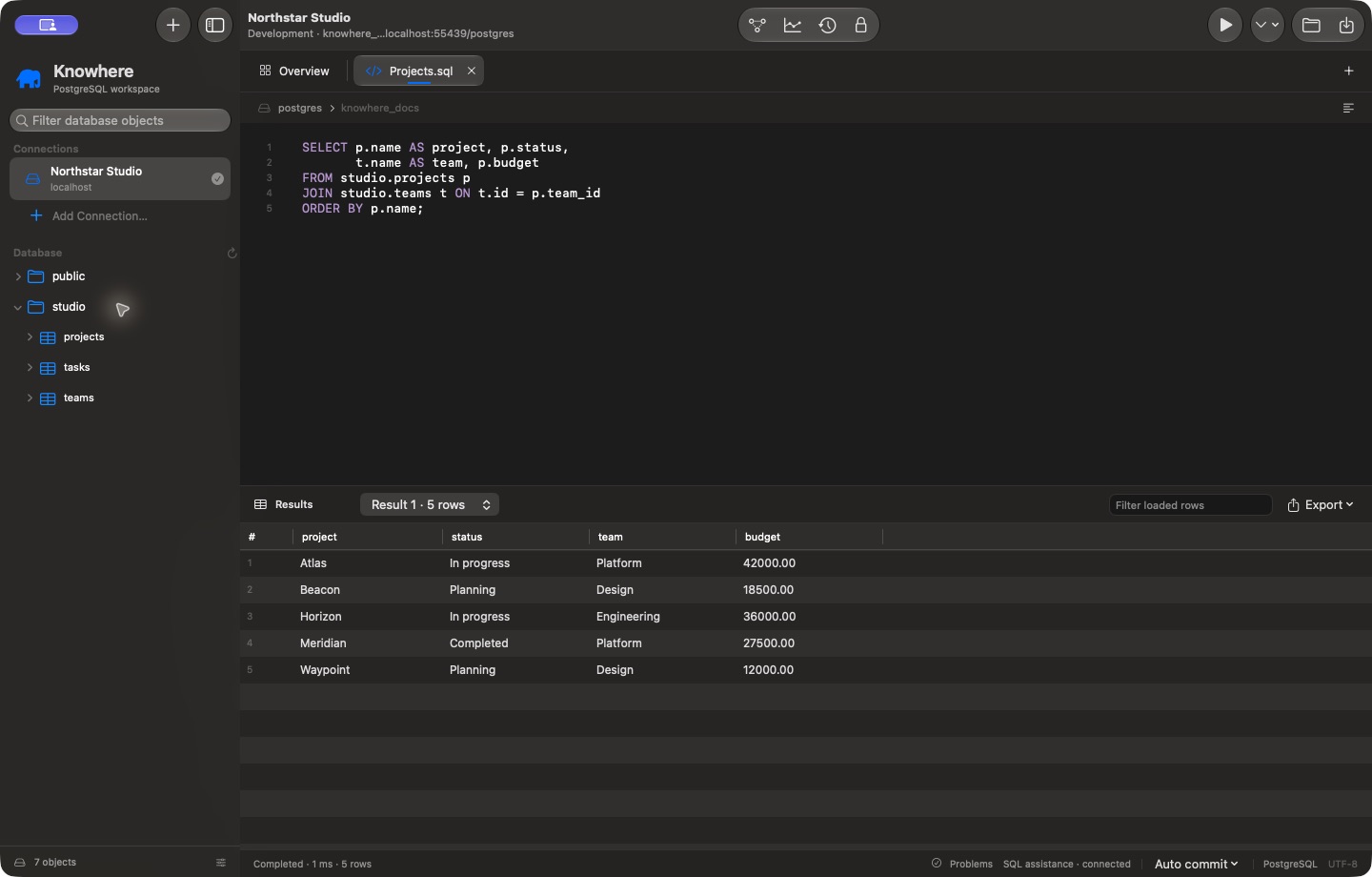
Knowhere brings a SQL editor, table browser, schema-aware row inspector, execution plans, and relationship diagrams into a native Mac app. No Knowhere account is required.
The initial release targets macOS 26 or later on Apple silicon. The Mac App Store release is being prepared; a public download is not available yet. A one-time paid download is planned, with no subscription. Final pricing will be announced at launch.
Your first five minutes
- Add and test a PostgreSQL connection.
- Expand a schema in the sidebar and double-click a table to browse its data.
- Open a SQL tab, write a query, and press Command–Return.
- Double-click a cell or choose Edit Row to inspect schema-aware fields.
- Review pending changes before saving anything to PostgreSQL.
Connections start with application write protection enabled. Your database role's permissions remain the final authority; use a read-only role when you need server-enforced read-only access.
Find your workflow
- Write SQL: completion, diagnostics, formatting, results, and optional history.
- Browse and edit data: filtering, enum choices, references, validation, and review.
- Explore relationships: full-database diagrams and focused table neighborhoods.
- Understand performance: execution plans, captured trends, and optional hypothetical indexes.
- Control local data: credentials, history, recovery drafts, and exports.
Need a hand? Contact support. Our privacy policy explains what the app stores and what leaves your Mac.